Background Remover
Remove the background from any image free, right in your browser. Make images transparent, create cutouts, change backgrounds, refine edges, and design — no sign-up, no watermarks, 100% private.
Features
Everything Background Remover can do.
One-tap AI removal
A neural model removes the background from your image automatically the moment you drop it in — no manual work, no software to install.
Make it transparent
Export a clean transparent PNG cutout, ready for stickers, product photos, and design work.
Precision edge refiner
Paint to erase or restore edges with adjustable size and hardness for crisp cutouts, even on hair and fur.
Background changer
Keep it transparent, or swap in a solid color or a custom gradient you build with your own colors and angle.
Design studio
Add text, shapes, and stickers, arrange them on layers, and nudge everything into place with the arrow keys.
Batch processing
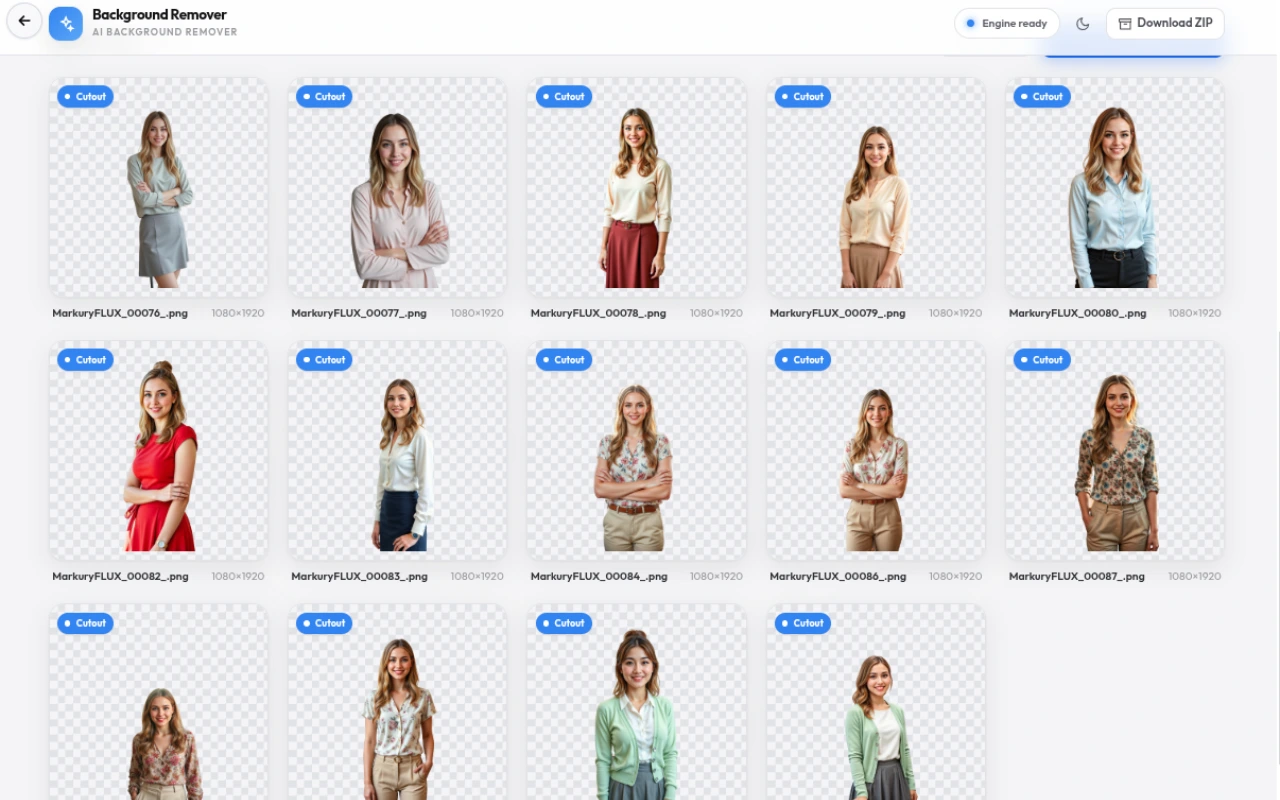
Remove backgrounds from many images at once and download the whole set as a ZIP.
Sticker outline
Add a crisp outline around the cutout for a finished sticker look.
Flexible export
Download as PNG, JPG, or WEBP at full resolution — no watermarks, no sign-up.
How to use
A quick walkthrough, step by step.
Upload your image
Click the canvas or drag a photo in.
The AI removes the background and makes the image transparent automatically.
Refine the cutout
Pick the erase or restore brush.
Paint over any area the AI missed, like hair or fine edges.
Adjust brush size and hardness as you go.
Change the background
Keep it transparent for a PNG, or pick a solid color.
Or build a custom gradient with your own colors and angle.
Add a sticker outline for a polished finish.
Design & export
Add text, shapes, and stickers in design mode.
Arrange everything on layers and nudge with the arrow keys.
Export as PNG, JPG, or WEBP — or batch many images into a ZIP.
Frequently asked questions
Everything you need to know about Background Remover.
How do I remove a background from an image?
Upload your image and the AI automatically removes the background and makes it transparent. You can then refine the edges, change the background, or export a transparent PNG.
Can I make an image transparent?
Yes. This tool creates transparent PNG cutouts. After removing the background, export as PNG to keep the transparency, or choose JPG with a solid background color.
Is this background remover free?
Yes, it is completely free with no watermarks, no sign-up, and no usage limits.
Are my images uploaded to a server?
No. Everything runs locally in your browser using WebGPU. Your images never leave your device, so it is fast and private.
What image formats are supported?
You can upload JPG, PNG, and WEBP images. Export as PNG (with transparency) or JPG (smaller file size).
Can I remove backgrounds from multiple images at once?
Yes. Add several images to the gallery and use Remove all backgrounds, then download the results as a ZIP.
Can I change the background after removing it?
Yes. The Background tab lets you make the image transparent, apply a solid color, or use a gradient — including a custom gradient you build yourself.
Ready to try Background Remover?
Open it and start creating in seconds.
More free tools
Explore the rest of the EditPhotosForFree toolkit.